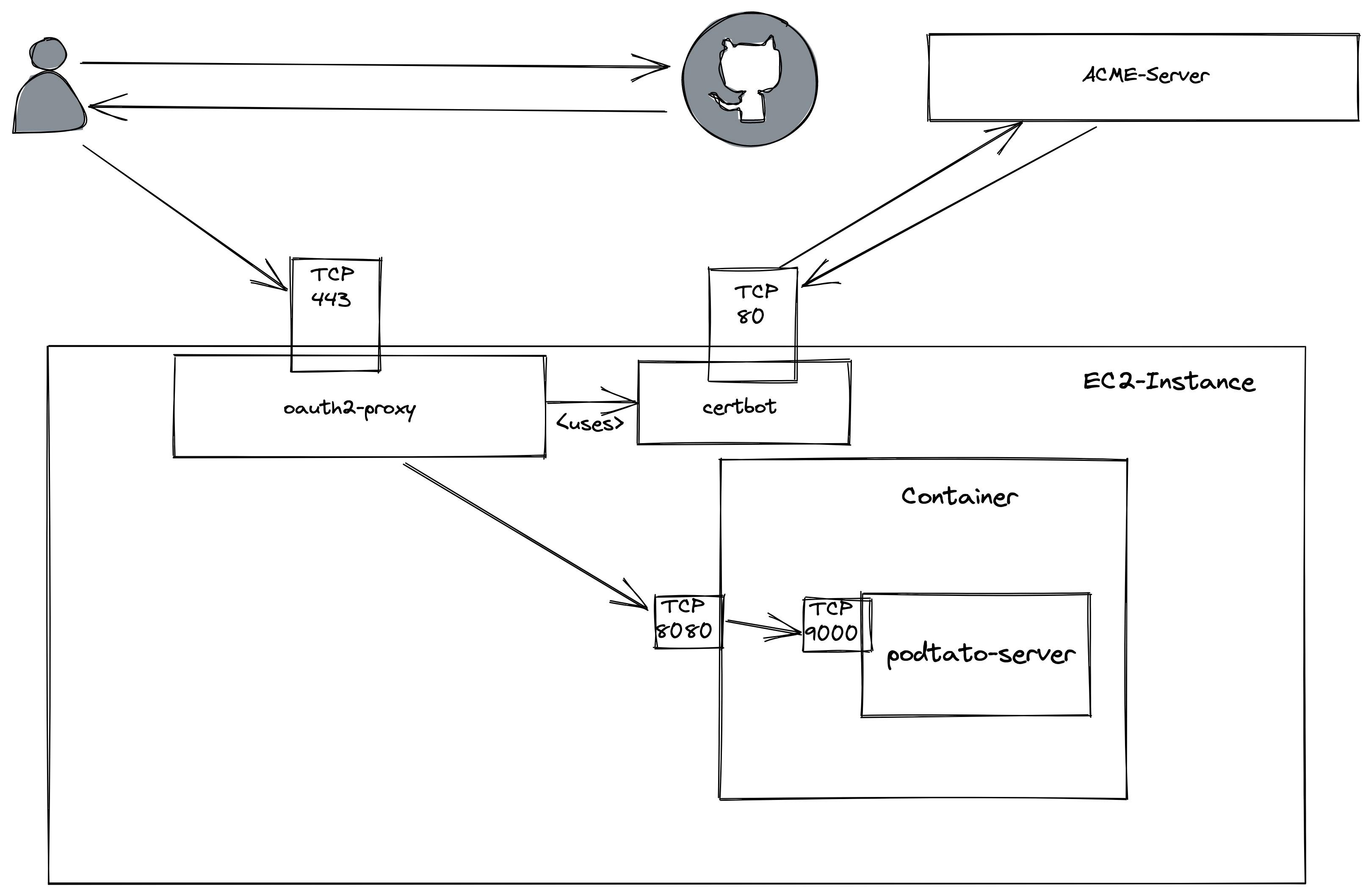
Get the instance hostname from the AWS console (Public IPv4 DNS or Public IPv4 Address)
Open a shell
 ssh -i ~/.ssh/labsuser.pem ec2-user@${INSTANCE_HOSTNAME}

      __|  __|_  )
      _|  (     /   Amazon Linux 2 AMI
     ___|\___|___|

 https://aws.amazon.com/amazon-linux-2/
Update Package List: sudo yum update -y
Install Docker: sudo yum install docker -y
Start Docker Service: sudo service docker start
Add ec2-user to docker-group: sudo usermod -a -G docker ec2-user
Log out and log in again
Try if docker works
$> docker run hello-world

ec2-user@ip-172-31-85-66 ~]$ docker run hello-world
Unable to find image 'hello-world:latest' locally
latest: Pulling from library/hello-world
b8dfde127a29: Pull complete
Digest: sha256:61bd3cb6014296e214ff4c6407a5a7e7092dfa8eefdbbec539e133e97f63e09f
Status: Downloaded newer image for hello-world:latest

Hello from Docker!
This message shows that your installation appears to be working correctly.

To generate this message, Docker took the following steps:
 1. The Docker client contacted the Docker daemon.
 2. The Docker daemon pulled the "hello-world" image from the Docker Hub.
    (amd64)
 3. The Docker daemon created a new container from that image which runs the
    executable that produces the output you are currently reading.
 4. The Docker daemon streamed that output to the Docker client, which sent it
    to your terminal.

To try something more ambitious, you can run an Ubuntu container with:
 $ docker run -it ubuntu bash

Share images, automate workflows, and more with a free Docker ID:
 https://hub.docker.com/

For more examples and ideas, visit:
 https://docs.docker.com/get-started/
Run the container on the port 8080 daemonized
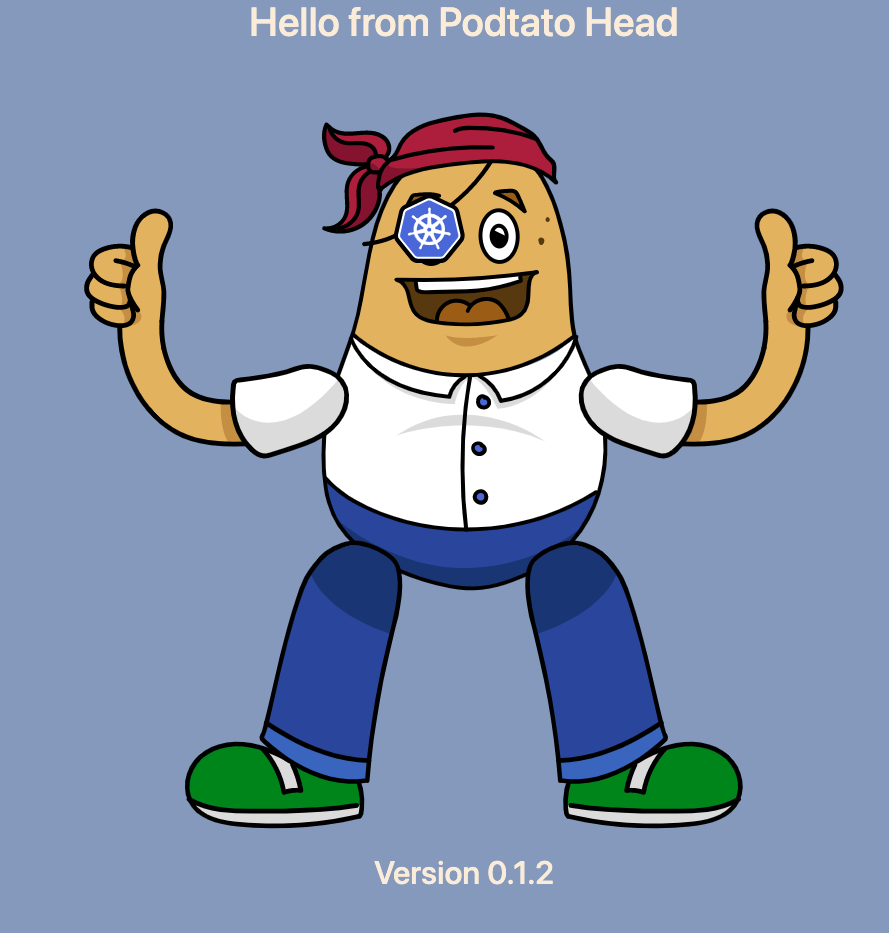
docker run -d -p 8080:9000 ghcr.io/podtato-head/podtatoserver:v0.1.2
Clean up the applicaton on GitHub (https://github.com/settings/developers)
Try to run the oauth-proxy with environment variables (as described here: https://oauth2-proxy.github.io/oauth2-proxy/docs/configuration/overview#environment-variables)