What You'll Learn

PodTatoHead-BigPicture

cat ~/.aws/credentials
aws ec2 describe-instances 
aws ec2 describe-instances --filters "Name=tag:Name,Values=podtatohead-oauth" --query "Reservations[].Instances[].PublicDnsName" --out text | xargs
[
    "<instance-name>.compute-1.amazonaws.com"
]
  INSTANCE_HOSTNAME=$(aws ec2 describe-instances --filters "Name=tag:Name,Values=podtatohead-oauth" --query "Reservations[].Instances[].PublicDnsName" --out text | xargs)
 ssh -i ~/.ssh/labsuser.pem ec2-user@${INSTANCE_HOSTNAME}

      __|  __|_  )
      _|  (     /   Amazon Linux 2 AMI
     ___|\___|___|

 https://aws.amazon.com/amazon-linux-2/ 
$> docker run hello-world

ec2-user@ip-172-31-85-66 ~]$ docker run hello-world
Unable to find image 'hello-world:latest' locally
latest: Pulling from library/hello-world
b8dfde127a29: Pull complete 
Digest: sha256:61bd3cb6014296e214ff4c6407a5a7e7092dfa8eefdbbec539e133e97f63e09f
Status: Downloaded newer image for hello-world:latest

Hello from Docker!
This message shows that your installation appears to be working correctly.

To generate this message, Docker took the following steps:
 1. The Docker client contacted the Docker daemon.
 2. The Docker daemon pulled the "hello-world" image from the Docker Hub.
    (amd64)
 3. The Docker daemon created a new container from that image which runs the
    executable that produces the output you are currently reading.
 4. The Docker daemon streamed that output to the Docker client, which sent it
    to your terminal.

To try something more ambitious, you can run an Ubuntu container with:
 $ docker run -it ubuntu bash

Share images, automate workflows, and more with a free Docker ID:
 https://hub.docker.com/

For more examples and ideas, visit:
 https://docs.docker.com/get-started/
docker run -d -p 8080:9000 ghcr.io/podtato-head/podtatoserver:v0.1.2 
$> curl http://localhost:8080

<html>
  <head>
    <title>Hello server</title>
    <link rel="stylesheet" href="./static/styles.css"/>
    <link rel="stylesheet" href="./static/custom.css"/>
  </head>
  <body style="background-color: #849abd;color: #faebd7;">
  <main class="container">

  <div class="text-center">
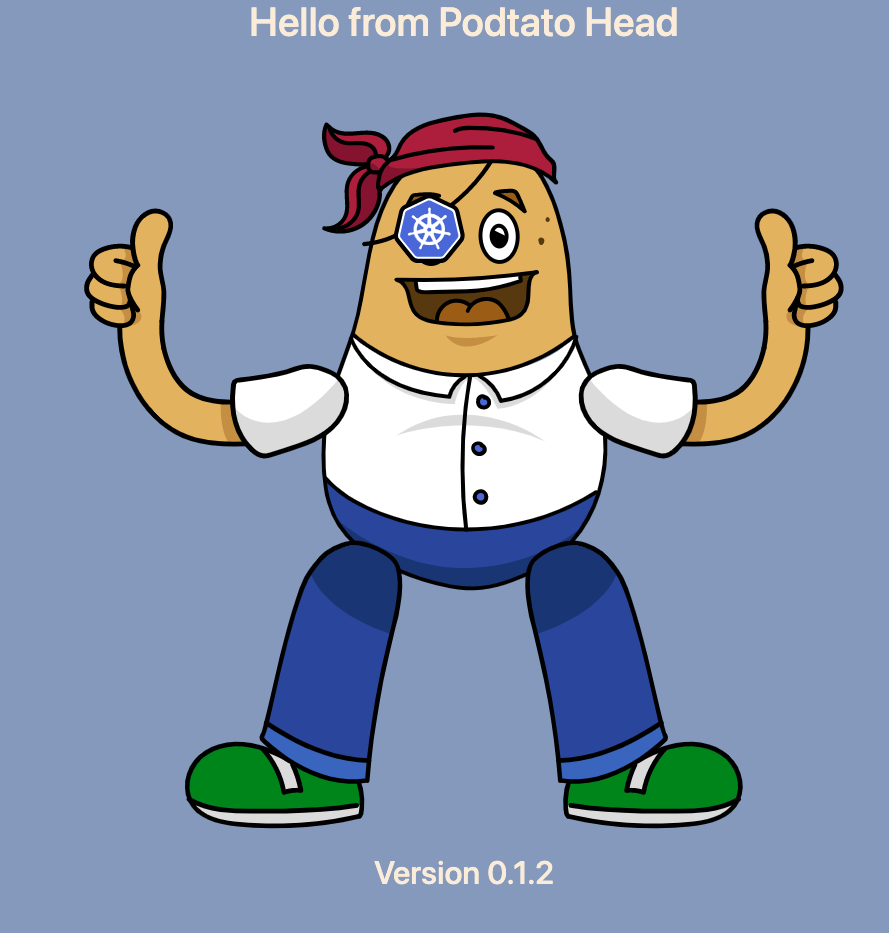
    <h1>Hello from Podtato Head</h1>
    <div style="width:700px;height:800px;margin:auto;position:relative;">
      <img src="./static/images/body.svg" style="position:absolute;margin-top:80px;margin-left:200px;">
      <img src="./static/images/hats/hat-03.svg" style="position:absolute;margin-left:200px;margin-top:0px;">
      <img src="./static/images/left-arm/left-arm-03.svg" style="position:absolute;top:100px;left:-50px;">
      <img src="./static/images/right-arm/right-arm-03.svg" style="position:absolute;top:100px;left:450px;">
      <img src="./static/images/left-leg/left-leg-03.svg" style="position:absolute;top:480px;left: -0px;" >
      <img src="./static/images/right-leg/right-leg-03.svg" style="position:absolute;top:480px;left: 400px;">
    </div>
    <h2> Version 0.1.2 </h2>
  </div>

</main>  
</body>
</html>
export PUBLIC_IPV4_ADDRESS="$(curl http://169.254.169.254/latest/meta-data/public-ipv4)"
cat << EOF


=======
Application name: 
-- podtatohead-on-aws

Homepage URL:     
- https://$PUBLIC_IPV4_ADDRESS.nip.io

Authorization callback URL: 
- https://$PUBLIC_IPV4_ADDRESS.nip.io/oauth2/callback
=======


EOF

sudo amazon-linux-extras install epel -y
sudo yum-config-manager --enable epel
sudo yum install certbot -y
export PUBLIC_IPV4_ADDRESS="$(curl http://169.254.169.254/latest/meta-data/public-ipv4)"
export PUBLIC_INSTANCE_NAME="$(curl http://169.254.169.254/latest/meta-data/public-hostname)"
sudo certbot certonly --standalone --preferred-challenges http -d $PUBLIC_IPV4_ADDRESS.nip.io --dry-run
sudo certbot certonly --standalone --preferred-challenges http -d $PUBLIC_IPV4_ADDRESS.nip.io --staging
mkdir -p /tmp/oauth2-proxy
sudo mkdir -p /opt/oauth2-proxy

cd /tmp/oauth2-proxy
curl -sfL https://github.com/oauth2-proxy/oauth2-proxy/releases/download/v7.1.3/oauth2-proxy-v7.1.3.linux-amd64.tar.gz | tar -xzvf -

sudo mv oauth2-proxy-v7.1.3.linux-amd64/oauth2-proxy /opt/oauth2-proxy/
export GITHUB_USER=<GITHUB_USER>
export GITHUB_CLIENT_ID=<GITHUB_CLIENT_ID>
export GITHUB_CLIENT_SECRET=<GITHUB_CLIENT_SECRET>
export PUBLIC_URL=$(curl http://169.254.169.254/latest/meta-data/public-ipv4).nip.io
sudo /opt/oauth2-proxy/oauth2-proxy --github-user="${GITHUB_USER}"  --cookie-secret="${COOKIE_SECRET}" --client-id="${GITHUB_CLIENT_ID}" --client-secret="${GITHUB_CLIENT_SECRET}" --email-domain="*" --upstream=http://127.0.0.1:8080 --provider github --cookie-secure false --redirect-url=https://${PUBLIC_URL}/oauth2/callback --https-address=":443" --force-https --tls-cert-file=/etc/letsencrypt/live/$PUBLIC_URL/fullchain.pem --tls-key-file=/etc/letsencrypt/live/$PUBLIC_URL/privkey.pem